

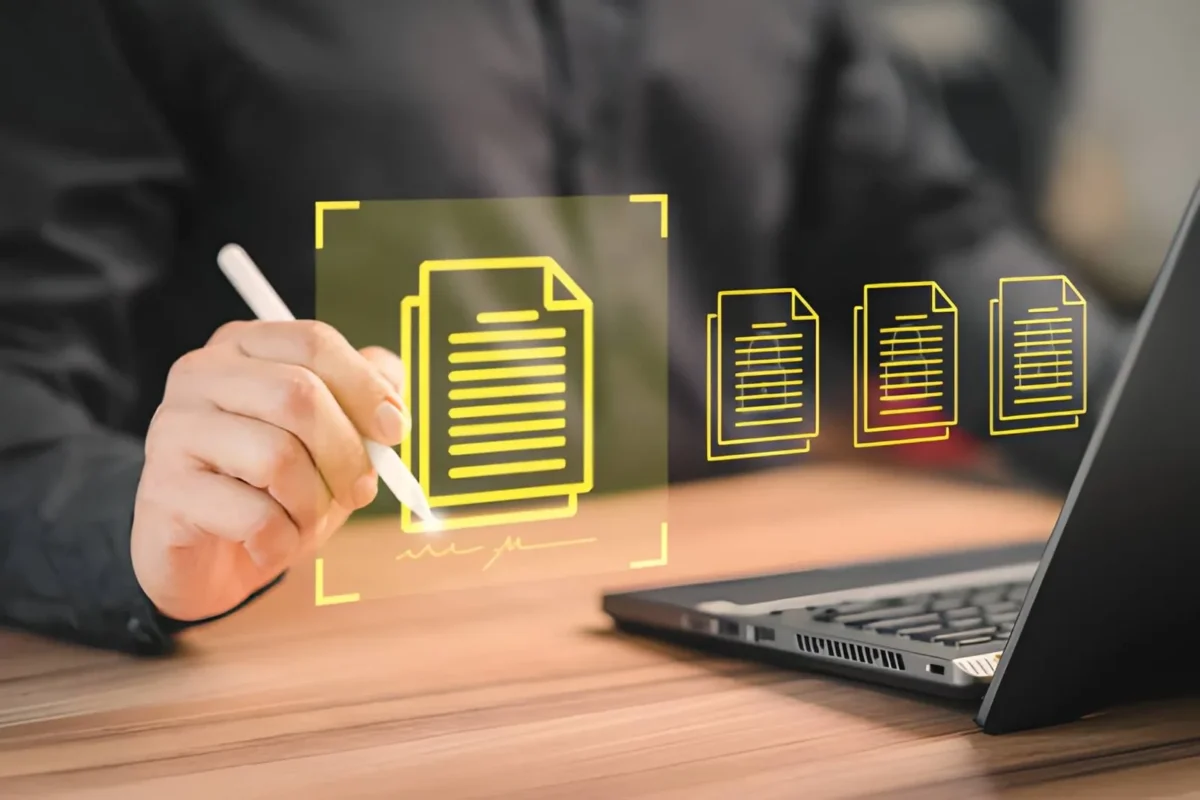
Adobe Acrobat’s online PDF tools include an AI PDF summarizer and e-signing in one place: a Summary Generator and Text Summarizer give concise summaries with Acrobat AI Assistant, and tools for Fill and Sign and requesting e-signatures cover signing. Adobe’s page lists them as free to try. This article is for professionals who want online tools to interact with PDFs, including AI summaries and document signing.
AI Document Summaries and How to eSign a PDF
AI document summaries and eSign for PDFs are offered by Adobe Acrobat, Smallpdf, Foxit, and Nitro, and each combines them differently. Smallpdf’s AI PDF Assistant page says you can upload a PDF, summarize it, and ask questions about contracts and reports without software or a sign-up. Foxit says its AI Assistant works in the free Foxit PDF Reader with an account. Nitro describes a Document Assistant that summarizes and answers questions. Test each one on a real PDF, and confirm the plan you need before you commit.
| Platform | Best For | Key Details |
| Adobe Acrobat online PDF tools | Browser summaries, questions, and signing | Adobe lists Summary Generator, Text Summarizer, Chat with PDF, Fill and Sign, and request e-signatures |
| Smallpdf | Quick summaries and questions in a browser | Smallpdf says its AI Assistant summarizes, answers questions, and translates, with no software or sign-up |
| Foxit PDF Editor and Reader | An AI Assistant plus a full PDF editor | Foxit says reading, summarizing, and translating work in Reader, and editing by chat needs Editor |
| Nitro PDF and Nitro Sign | Business teams that want AI and signing together | Nitro says its AI tools are included with a Nitro PDF or Nitro Sign subscription |
Contract questions: Smallpdf’s page says you can ask questions about contracts, reports, and eBooks and review the relevant passages for context.- Translation: Smallpdf’s page says you can translate PDF content without copying it into a separate app.
- Foxit accounts: Foxit’s page says the AI Assistant can translate full documents on free and paid accounts.
- Nitro limits: Nitro’s Document Assistant page says it supports PDFs up to 250 MB or 500 pages, and calls the tool a beta.
- Privacy: Smallpdf’s security page says it is ISO 27001 certified and GDPR compliant.
- Nitro assistants: Nitro’s AI page says Document Assistant summarizes and answers questions about documents, and Knowledge Assistant provides in-app support.
- Check the output: read the clauses that matter in the original PDF, because a summary can leave out details.
- Vendor claims: these details come from each vendor’s own pages, so confirm current features and plans before you commit.
eSignature PDF Features to Compare Before You Choose
eSignature PDF features worth comparing are self-signing, requesting signatures from others, signing order, tracking, and the audit record. Adobe’s sign page says Fill and Sign is free and lets you type, draw, or upload your signature. Adobe’s request page says Acrobat routes an agreement to signers in the order entered and emails a copy of the completed agreement. Foxit’s eSign page describes multi-party signing and a tamper-evident audit trail. Pick by how many people sign each document, and confirm the audit record you need.
- No signer account: Adobe’s e-signature overview says signers do not need an Acrobat subscription or sign-up to complete signing.
- Audit trail: Foxit’s eSign page says each transaction generates an audit trail with timestamps, IP addresses, signer authentication, and document integrity verification.
- Self-signing: Foxit’s eSign page says you can sign by typing, drawing, or uploading an image of your signature.
- Envelopes: Foxit’s eSign page says 150 free envelopes are included, though the plan that includes them may vary, so check before you buy.
- Compliance claims: Nitro’s professional page says its signatures comply with the ESIGN Act, UETA, eIDAS, and GDPR, which is a vendor claim to confirm for your use case.
- Notary: Foxit’s eSign page says on-demand notary access is available when required.
- Certificates: Foxit’s eSign FAQ says audit trails and certificates record signer metadata, IP addresses, event logs, and RFC 3161 timestamps.
- Tamper resistance: Adobe’s request page says Acrobat Sign technology prevents signers from changing the agreement after they sign.
- Tracking: Adobe’s request page says you can track progress and send reminders.
PDF Editor With an AI Assistant and eSign Built In
A PDF editor with an AI assistant and eSign built in lets you edit, summarize, and sign in one place. Foxit’s AI Assistant page says that in Foxit PDF Editor on desktop, plain language instructions can redact content, reorder pages, apply watermarks, convert files, and protect documents. Nitro says its AI tools sit alongside its signing and editing tools in Nitro Workspace. Adobe’s page lists Edit PDF, merge, split, and AI tools online. Choose one that matches your daily work, and try its AI on a sample file.
- Chat edits: Foxit’s AI Assistant page says capabilities that modify a document require Foxit PDF Editor, while reading and summarizing work in Reader.
- Smart Tools: Nitro’s release notes say its Smart Tools tab centralizes AI features such as extracting data, creating fillable forms, redacting sensitive information, and chatting with your PDF.
- Smart Redact: Nitro’s AI page lists Smart Redact for automated removal of sensitive personal information.
- Languages: Nitro’s PDF editor page says its assistant answers questions in 80 or more languages.
- Data extraction: Nitro’s PDF editor page says its AI can extract table data and structured data from PDFs.
- Adobe editing: Adobe’s page says Edit PDF adds text boxes, comments, highlights, and more, and lists tools to merge, split, crop, and reorder pages.
- Smallpdf extension: Smallpdf’s Chrome extension page says you can compress, convert, edit, merge, split, e-sign, or process a PDF with AI from your browser.
Frequently Asked Questions
Is it safe to upload a contract to an online PDF summarizer?
Check the vendor’s privacy terms first. Smallpdf’s security page says files are deleted after one hour for free tools, and Nitro’s AI page says no data is used to train third party models. Adobe’s PDF to PPT page says files are deleted unless you sign in. These are vendor statements, so ask your IT or legal team before uploading confidential contracts.
Do I need a paid plan to summarize and sign PDFs?
Not always. Adobe’s page lists its online tools as free to try, Smallpdf’s AI page says you can start for free with no sign-up, and Foxit’s page says its AI Assistant works in the free Reader with an account. Nitro says its AI tools are included with a Nitro PDF or Nitro Sign subscription. Compare current limits before you commit.
Are there file size limits for AI PDF summaries?
Some tools publish them. Nitro’s Document Assistant page says it supports PDFs up to 250 MB or 500 pages. Other vendors in this article do not state a limit on the pages cited here. Test with your longest document, and split very large files into sections if a summary looks incomplete or stops partway through.
Is an electronic signature legally binding?
It can be, depending on the document and the jurisdiction. Nitro’s professional page and Foxit’s eSign pages say their signatures comply with laws such as the ESIGN Act, UETA, and eIDAS. Those are vendor claims, and some documents have special requirements. Ask a qualified professional about contracts that carry significant risk.
For an AI PDF summarizer with eSign, choose a tool that summarizes, signs, and tracks in one place, and check every summary against the PDF.

Pun enthusiast, wordplay wizard, and the mastermind behind Funnnypuns.com. David turns everyday language into laugh-out-loud moments—one pun at a time!




Leave a Comment